
How to start a Toyota with a dead key fob
A Toyota dead key fob doesn't leave you stranded. Every Toyota with smart entry has a built-in backup: a metal key for the door, and a way to start the car by touching the key to the start switch. Here's exactly how.
It applies to Toyotas with smart entry and push-button start, including the Yaris, Corolla, C-HR, RAV4, Prius and Aygo X.
- Getting in with the mechanical key
- The backup start, step by step
- Why the key died
- Stopping it happening again
Key takeaways
- Use the hidden metal key Slide it out of the smart key to unlock the driver’s door.
- Touch the emblem to the switch Toyota’s manuals say to touch the Toyota emblem side of the key to the start switch.
- Wait for the buzzer Then press the start switch within about 5 seconds.
- Replace the battery soon The backup start is a temporary measure.
Get into the car
-
Release the mechanical key
Slide the release on the smart key and pull out the metal key.
-
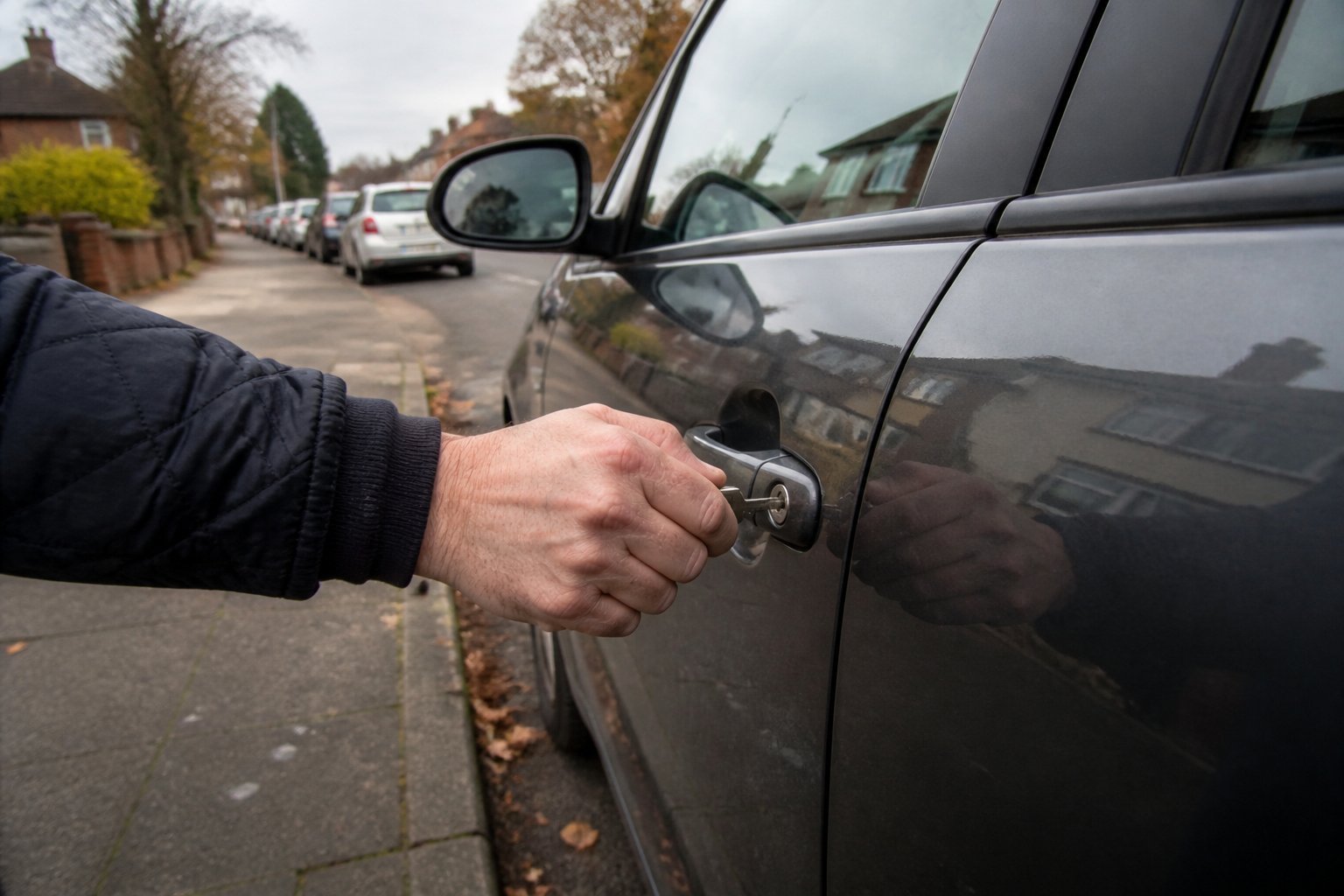
Unlock the driver's door
Use the key in the driver’s door lock. On some models the lock is behind a small cover on the handle.
-
Expect the alarm
On some cars the alarm may sound when you open the door this way. It stops once the car recognises the key at start-up.
Start the engine or hybrid system
-
Shift to P (or N on a manual)
Then press the brake firmly (or the clutch on a manual).
-
Touch the key to the start switch
Hold the Toyota emblem side of the smart key against the start (power) switch.
-
Wait for the buzzer
When the car detects the key, a buzzer sounds and the switch turns to ON.
-
Press the start switch
With the brake still pressed, press the switch within about 5 seconds to start.
If the car still won’t start, contact your Toyota dealer. If the switch only turns to ACCESSORY, smart entry may be switched off in the car’s settings.
Why did the key die?
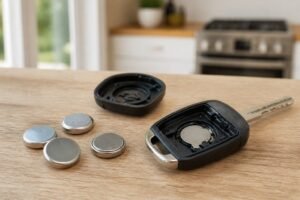
Usually it's simply a flat battery. Toyota smart keys listen for the car constantly, so their batteries run down faster than plain remotes, especially if the key lives near the car. Replace it with the right size: many older rounded keys take a CR2032, many newer flat keys (including the Yaris Mk4's) take a CR2450, and some older keys use a CR1632. See Toyota smart key battery replacement.

The safe default for most UK car keys
The CR2032 is the most common car key battery on UK roads, and Energizer’s is the one we’d fit without a second thought. Keys draw short bursts of power every time you press a button or the car checks for a keyless key, and branded lithium cells handle that well. The cells are uncoated, so they make clean contact in tight holders. A four-pack covers your main key, your spare and the next swap.
- Fits the most common key size
- Uncoated for clean contact
- Four-pack covers both keys
- Buy from Amazon itself or a known retailer: fakes exist
- Packaging is fiddly

For keys that take the bigger, thicker cell
Some keyless keys use a CR2450 instead of a CR2032. It’s wider and thicker, with more capacity, and the two are not interchangeable. If the old cell in your key says 2450, this two-pack covers your main key and spare.
- Correct size for many keyless keys
- More capacity than a CR2032
- Trusted brand
- Only fits keys designed for CR2450

The small cell used in some smart keys
A CR1632 is narrower than a CR2032 (16 mm rather than 20 mm). Some older smart keys use it. Panasonic’s four-pack is a reliable, uncoated choice.
- Correct size for CR1632 keys
- Uncoated
- Four cells
- Only fits keys designed for it

Stop it happening again: battery-saving mode
Many Toyota smart keys have a battery-saving mode that stops the key receiving radio waves. Toyota's manuals describe it: press unlock twice while holding lock, and the key's light flashes four times. While it's on, smart entry won't work; press any button to switch it back on. It's ideal for a spare key in a drawer, and owners also use it at night as protection against relay theft.
Put it in battery-saving mode. The battery lasts longer, and the key won’t answer a thief’s relay device.
Need another key? See Toyota spare key programming and Toyota key fob cost explained.
Toyota dead key fob FAQ
How do I start a Toyota with a dead key fob?
Press the brake, touch the Toyota emblem side of the key to the start switch, wait for the buzzer, then press the switch within about 5 seconds.
How do I get in with a dead key?
Slide out the metal key hidden in the smart key and use it in the driver’s door lock.
Why does the switch only go to ACCESSORY?
Smart entry may be switched off in the car’s customisation settings. Turn it back on.
What is battery-saving mode?
A setting that stops the key receiving radio waves: hold lock and press unlock twice. Press any button to cancel.
Which battery does my Toyota key need?
Usually a CR2032 or CR2450; some older keys use a CR1632. Check the old cell.
The bottom line
- Metal key opens the door
- Emblem to the start switch
- Press after the buzzer
- Battery-saving mode for spares
With a Toyota dead key fob, use the hidden metal key to get in, then touch the Toyota emblem side of the key to the start switch, wait for the buzzer and press Start. Replace the battery soon, and use battery-saving mode on spares.