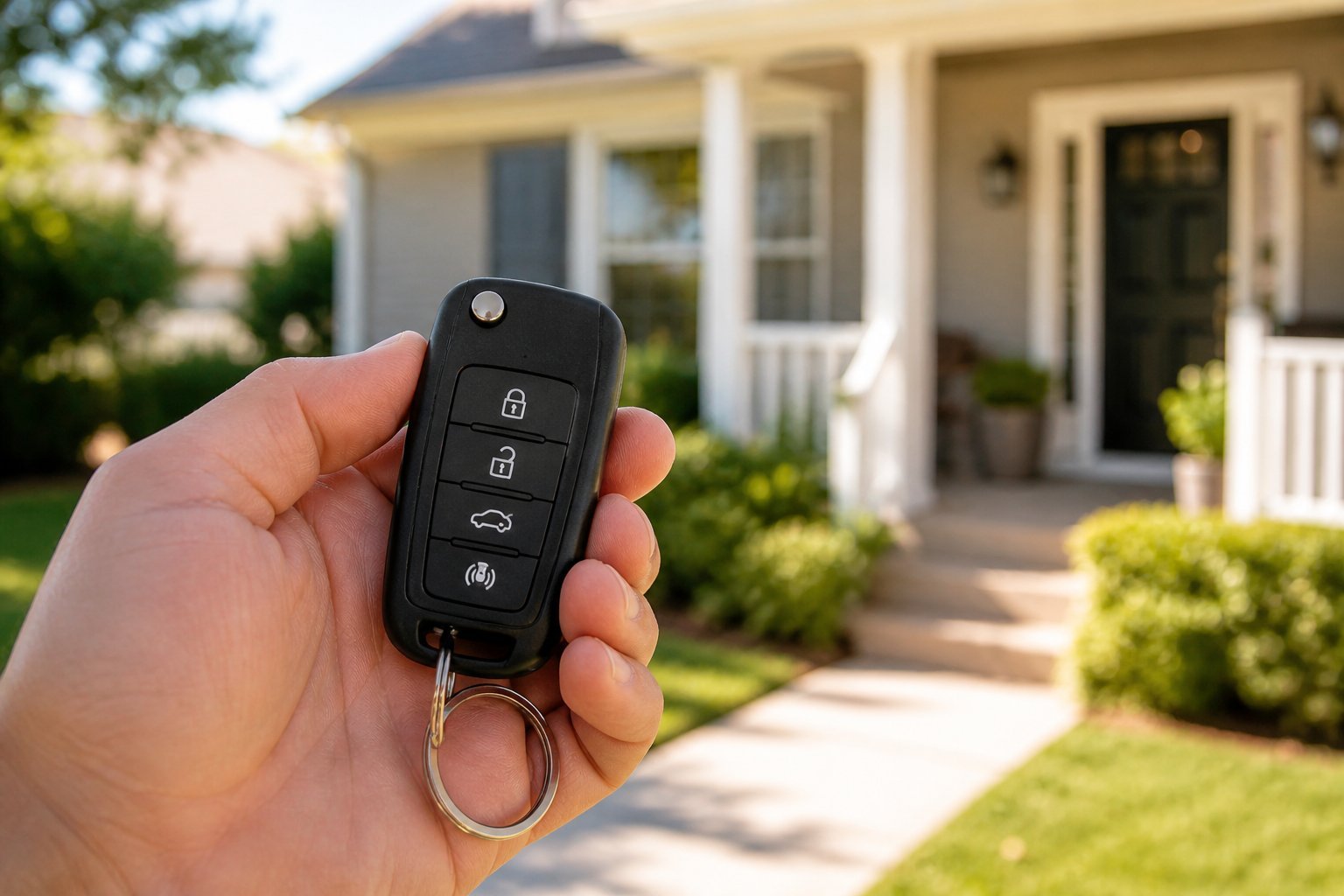
Best replacement key fobs for Ford Explorer
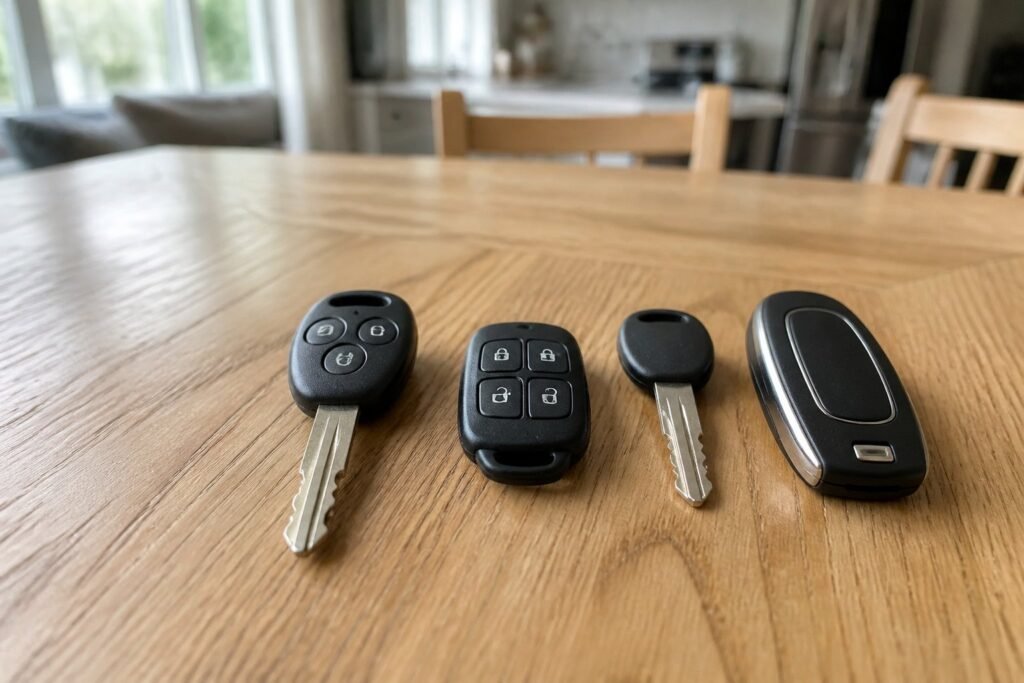
The Explorer has used seven different keys since 2002, from a separate remote on a plain chipped key to four generations of push-button smart key. The right replacement depends on your Explorer's year, whether it has push-button start and the FCC ID printed on your old key, and the right one costs far less than a dealer key.
We split our eight picks into two tables: Explorers you start with a key, and Explorers with push-button start. Each pick names the years it fits, the FCC ID and part number to check, and how it gets programmed, so you know before you buy whether it’s a driveway job or a locksmith visit.
Key takeaways
- Read the back of your key The FCC ID and part number decide what works, not the photo.
- Key or push start? Keyed and push-button Explorers from the same year use different keys.
- Two keys save money With two working keys, many Explorer owners can add a third at home.
- Watch the frequency 2016-on smart keys mostly run at 902 MHz and need a locksmith.
Which replacement key fobs for Ford Explorer fit your year
The best replacement key fobs for Ford Explorer owners are the ones that match the key already on your ring, and the Explorer has changed its key more often than most SUVs. Ford has sold the Explorer in America since the 1991 model year, and since 2002 it has used a separate remote, two kinds of remote head key and four different smart keys. Before you compare prices, work out which one you have.
2002–2010 (third and fourth generations). These Explorers start with a plain metal key that has a transponder chip hidden in its head. Locking and unlocking is done by a separate 4-button remote, usually FCC ID CWTWB1U322 or CWTWB1U345. You can replace either part on its own, and the remote is something you can pair yourself.
2011–2019, keyed ignition. Base and many XLT models of the fifth generation have a normal ignition and a remote head key, where the chip, buttons and blade are one piece. The standard key is FCC ID OUCD6000022 (part 164-R8070); cars with factory remote start use CWTWB1U793 instead.
2011–2015, push-button start. Limited, Sport and Platinum trims use a 315 MHz smart key, FCC ID M3N5WY8609.
2016–2017, push-button start. The mid-cycle refresh brought a 902 MHz smart key, FCC ID M3N-A2C31243300. Keys from the years either side won't work.
2018–2023, push-button start. Cars with remote start use a 5-button 902 MHz key (M3N-A2C931426); cars without it use a 4-button 315 MHz key (M3N-A2C93142300). The sixth-generation Explorer, launched for 2020 and push-button on every trim, kept these keys.
2024–2026. The refreshed Explorer moved to FCC ID M3N-A3C108397.
The FCC ID is moulded into the back of a separate remote and printed on the back or under the battery cover of a head key or smart key. Write it down along with any part number starting 164-R, and count the buttons. Those three details matter more than the model year in a listing title when you shop for replacement key fobs for Ford Explorer models.
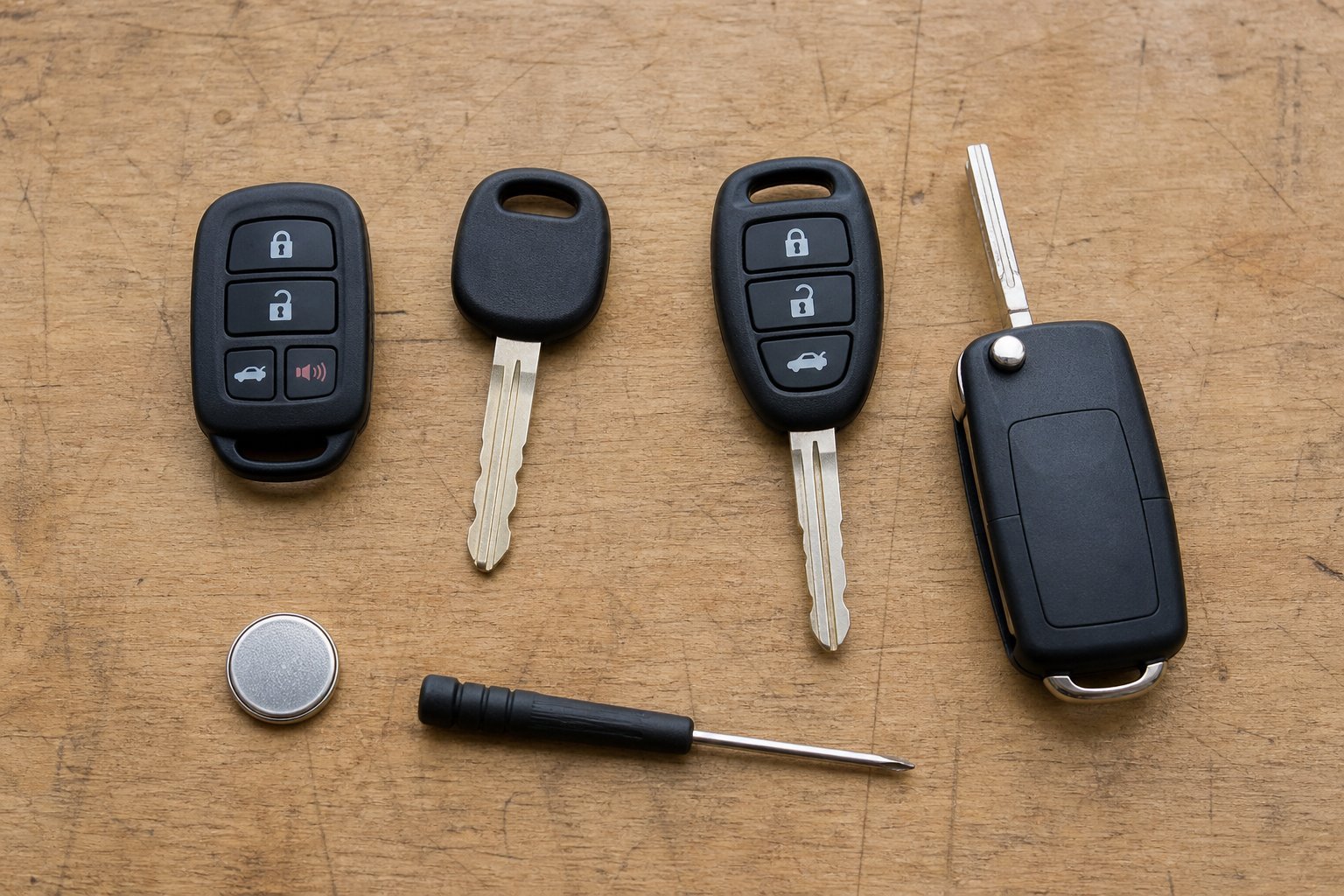


Replacement key fobs for keyed Ford Explorers
|
2002–2010
SUPALAND remote 2-pk
|
2002–2010
Remote + key set
|
Keyed 2011–2019
Keyless2Go head key
|
Keyed, remote start
MechanMagic RS 2-pk
|
|
|---|---|---|---|---|
|
|
|
|
|
|
| Explorer years | 2002–2010 | 2002–2010 | Keyed 2011–2019 | Keyed, remote start |
| FCC ID | CWTWB1U322 | CWTWB1U345 | OUCD6000022 | CWTWB1U793 |
| Type | Separate remote | Remote + chip key | Remote head key | RS head key |
| Programming | 8-turn DIY | DIY remote, key: 2-key | 2-key or locksmith | 2-key or locksmith |
| In the box | 2 remotes | 2 remotes + key | 1 key | 2 keys |
| Our score | 8.4 /10 | 8.1 /10 | 9.0 /10 | 8.5 /10 |
| Price | – | – | – | – |
| View | View | View | View |
Replacement smart keys for push-button Ford Explorers
|
2011–2015
SUPALAND smart key
|
2016–2017
Keylessbest 2016–17
|
2018–2023
Keylessbest 5-btn RS
|
2024–2026
OEM-electronics 2024+
|
|
|---|---|---|---|---|
|
|
|
|
|
|
| Explorer years | 2011–2015 | 2016–2017 | 2018–2023 | 2024–2026 |
| FCC ID | M3N5WY8609 | M3N-A2C31243300 | M3N-A2C931426 | M3N-A3C108397 |
| Type | 5-btn smart key | 4-btn smart key | 5-btn RS smart key | 5-btn smart key |
| Programming | 2-key or locksmith | Locksmith | Locksmith | Locksmith |
| In the box | 1 smart key | 1 smart key | 1 smart key | 1 smart key |
| Our score | 8.7 /10 | 8.3 /10 | 8.6 /10 | 8.4 /10 |
| Price | – | – | – | – |
| View | View | View | View |
The 8 best replacement key fobs for Ford Explorer, reviewed
We grouped our reviews of replacement key fobs for Ford Explorer models the same way as the tables: keyed Explorers first, then push-button Explorers from oldest to newest. Each review says which years and FCC ID the key matches and who has to program it.
Two separate lock/unlock remotes for third- and fourth-generation Explorers
From 2002 to 2010 the Explorer kept its anti-theft chip in the ignition key and put the buttons on a separate remote. That split is good news if the remote is what has failed: a new remote never talks to PATS, Ford’s Passive Anti-Theft System, so you can pair it in the driveway without a locksmith.
This set holds two 4-button remotes (lock, unlock, liftgate and panic) at 315 MHz, listed for the 2002–2010 Explorer, Mercury Mountaineer and 2000–2010 Expedition under FCC ID CWTWB1U322 and part number 1L2T-15K601-AA. Batteries come fitted, the seller pre-tests each remote and sends a link to the programming steps, and two spare shells are in the box.
It’s the cheapest fix on this list. Compare the back of your old remote first: a few Explorers use the CWTWB1U345 version, which looks the same.
- Two remotes in the box
- DIY eight-turn pairing
- Spare shells included
- No ignition key
- Check FCC ID against your old remote
Two remotes plus a matching key blank, for owners starting from scratch
If you’ve lost the whole key ring on an older Explorer, you need two things: a remote for the locks and a chipped ignition key for the engine. This set covers both in one order, with two 4-button remotes and a matching key blank listed for 2000–2010 Explorer, Expedition, Aviator and Navigator models under FCC IDs CWTWB1U345 and CWTWB1U331.
The remotes self-program with the onboard routine, and they arrive with batteries fitted. The key is the part to plan for: it has to be cut, and it has to be programmed to PATS. With two working keys you can add it yourself; with none, a locksmith will cut it and program it on site.
It costs a little more than the SUPALAND pair, but it saves a second order when the key is missing too.
- Remotes and key in one order
- Remotes pair at home
- Batteries fitted
- Key must be cut and programmed
- Generic finish
The key most fifth-generation Explorer owners with a turn-key ignition carry
The fifth-generation Explorer (2011–2019) came in two forms: Limited, Sport and Platinum trims with push-button start, and base and many XLT trims with an ordinary ignition. The keyed cars use a remote head key, where the transponder chip, the remote buttons and the blade live in one piece. That’s the most common Explorer key on the road, so it’s our best overall pick.
Keyless2Go’s version replaces part numbers 164-R8070 and 5912560 under FCC ID OUCD6000022. It arrives with electronics and battery fitted, every unit is tested before it ships, and the order includes a link to free DIY programming steps. As with any Ford chipped key, the DIY route needs two keys that already start the car; with one, a locksmith or dealer programs it.
The blade comes uncut. The seller is clear that it won’t fit an ignition with a plastic collar around it, or any push-button Explorer.
- Matches the commonest keyed Explorer key
- Tested before shipping
- DIY with two working keys
- Blade needs cutting
- Not for push-button cars
Two 4-button head keys for keyed Explorers with factory remote start
Keyed Explorers with factory remote start carry a different head key from the standard one: it has a remote-start button and transmits under FCC ID CWTWB1U793. Buy the plain OUCD6000022 key for one of these cars and the doors will work but the remote start won’t, so check for that circular-arrow button before ordering.
MechanMagic’s pack holds two remote head keys listed for part numbers 164-R8067 and 164-R8064 and for Explorer and Expedition models from 2009 to 2017, alongside the F-Series trucks that share the key. Batteries and electronics come installed and each key is pre-tested. The seller provides self-programming instructions and says plainly that adding a key that way needs two working originals.
Two keys in one box suits families who want a spare for each driver. Both blades need cutting.
- Keeps factory remote start
- Two keys per pack
- Clear programming notes
- Blades need cutting
- Check FCC ID first
A 315 MHz proximity key for early fifth-generation Explorers with push-button start
Push-button 2011–2015 Explorers use Ford’s Intelligent Access smart key, a 315 MHz proximity fob with FCC ID M3N5WY8609. The 5-button version adds remote start and a liftgate button to lock, unlock and panic.
SUPALAND lists this key for the 2011–2015 Explorer and Edge plus several Flex, Taurus, Expedition and Lincoln models, under part numbers 164-R8092, 164-R8094, 5921286 and 5921288. It ships pre-tested with the battery fitted, and it has an emergency blade inside for the door lock. The seller says self-programming needs two previously programmed keys; that matches Ford’s own routine.
It’s a good-value way back to two keys on an early push-button Explorer. Don’t buy it for a 2016 or later car, which moved to a different, 902 MHz key.
- Remote start and liftgate buttons
- Pre-tested, battery fitted
- DIY with two working keys
- Emergency blade needs cutting
- 2011–2015 only
The short-lived 902 MHz key for the refreshed 2016–2017 Explorer
Ford refreshed the Explorer for 2016 and changed its smart key at the same time. The 2016–2017 key uses FCC ID M3N-A2C31243300 and transmits at 902 MHz, so a 2011–2015 key won’t work and neither will most keys sold for 2018-on cars.
Keylessbest names the 2016–2017 Explorer in its title, which makes it one of the easier listings to trust for these two years. It’s a brand-new, unprogrammed 4-button key with part number 164-R8140. The seller asks owners to verify the part number and says it needs programming by a locksmith.
The price runs higher than the 2011–2015 keys because this key fits fewer vehicles. If your 2016–2017 key has a remote-start button, match that layout instead.
- Names the 2016–2017 Explorer
- Correct 902 MHz frequency
- Brand-new unit
- Locksmith programming
- Pricier than older keys
The remote-start smart key used across the late fifth and early sixth generation
From 2018, Explorers with remote start use a 5-button 902 MHz smart key with FCC ID M3N-A2C931426. Ford kept it when the all-new sixth-generation Explorer arrived for 2020, so one key covers a long run of model years, though the listings disagree on exactly when it ends.
Keylessbest’s key carries part number JL1T-15K601-BA and is listed for 2018–2022 Ford models including the Explorer, Expedition, Escape and Maverick. It’s new and unprogrammed, and the seller says a locksmith must program it. Owners without remote start have a 4-button 315 MHz key (M3N-A2C93142300) instead, so count the buttons before you order.
It’s one of the cheaper ways to get a spare for a late-model Explorer, and a locksmith visit still costs far less than the dealer route.
- Covers many model years
- Keeps remote start
- Low price for a 902 MHz key
- Locksmith programming
- Not for 4-button cars
Factory-grade electronics for the refreshed Explorer
The 2024 refresh brought the Explorer another new key, FCC ID M3N-A3C108397, shared with the latest Expedition and F-Series trucks. Few aftermarket keys name the Explorer for these years yet, so this listing’s OEM electronics are worth the extra cost.
The seller lists it for the 2024–2026 Explorer, 2024–2025 Explorer ST and 2024–2026 Expedition under part numbers 164-R8355, 164-R8397 and 164-R8363, and says the internals give longer range and a stronger signal than aftermarket boards. It has to be programmed and cut by a professional locksmith, and it carries a 90-day guarantee.
It’s the priciest key here, but it’s still well below what a dealer typically charges for a new smart key before programming.
- OEM electronics
- Names 2024–2026 Explorer
- Longer range claimed
- Highest price here
- Locksmith only
Programming replacement key fobs for Ford Explorer at home
Whether you can program replacement key fobs for Ford Explorer models yourself depends on the kind of key and on how many working keys you already have.
A separate remote on a 2002–2010 Explorer is the easy case, because it never talks to the anti-theft system. Ford's onboard routine pairs it: turn the ignition from off to run eight times within about ten seconds, ending in run. The locks cycle to show the car is listening. Press any button on each remote you want to keep, including the old one, then switch off. Remotes you don't press in that session are forgotten.
Anything that starts the engine has to be taught to PATS. Ford built in a two-key routine for this: switch on with your first programmed key for a few seconds, switch off, do the same with your second key, then switch on with the new key within the time window your owner's manual gives. Ford's guide to programming an integrated keyhead transmitter walks through the timing for head keys. Push-button Explorers use the same idea, with the smart key held against the backup position your manual shows instead of being turned in an ignition.
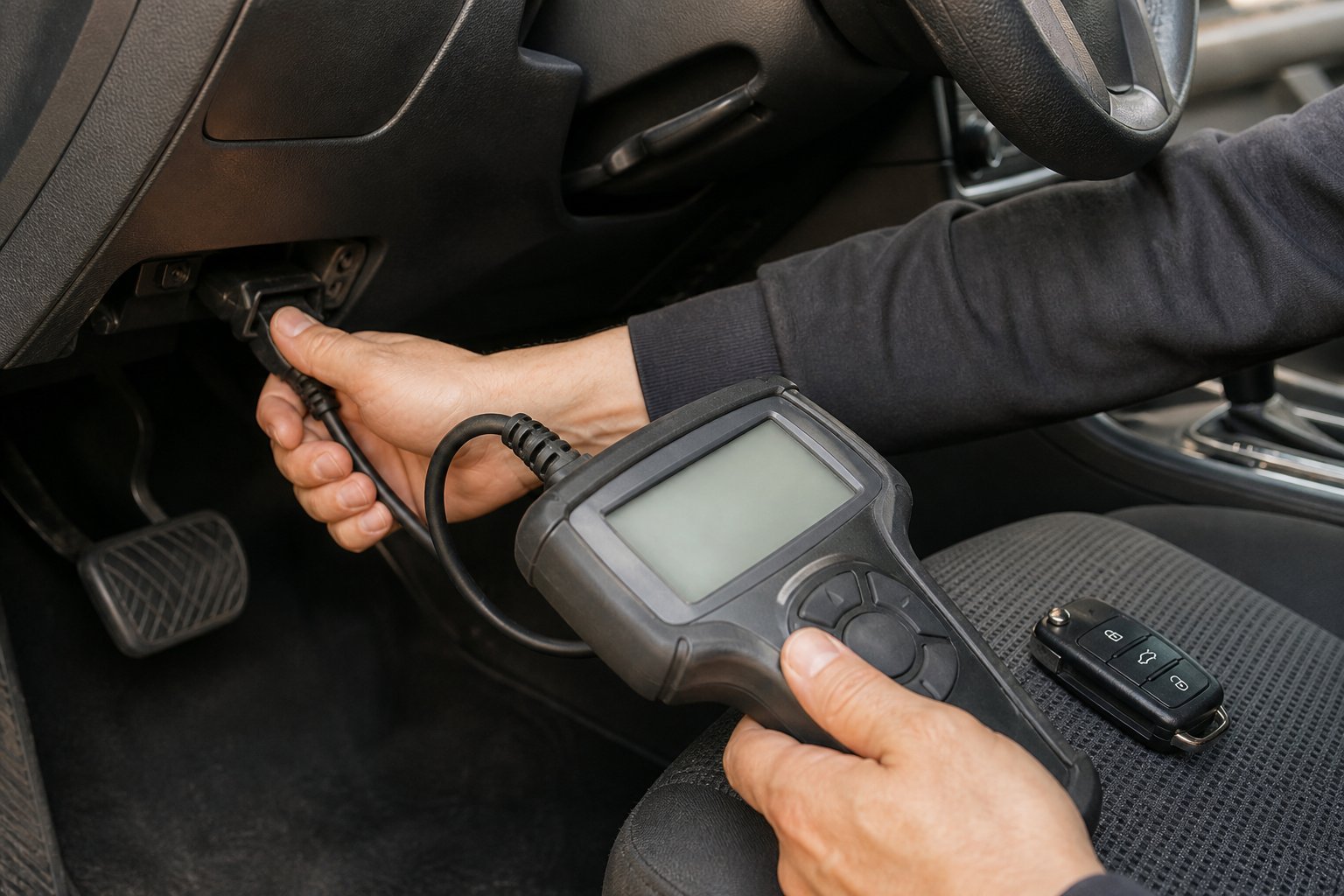
With only one working key, the routine won't run. That's when you need an automotive locksmith or a Ford dealer, who connect a programming tool to the OBD-II port under the dash. Most 902 MHz smart keys from 2016 onward also end up with a locksmith, because the sellers and owners report the DIY routine is unreliable on them. Whichever route you take, have every key you own with you: a full key session can erase keys that aren't present.
What owners say about replacement key fobs for Ford Explorer
The most common complaint on Explorer owner forums isn't a broken key, it's a tired battery. Short range, buttons that only work next to the car and a "no key detected" message on a push-button Explorer usually point to the coin cell. Swap it first; our guide to changing a Ford key fob battery shows how, and why a car stops detecting its key fob covers the other causes.
The second complaint is a spare that has quietly stopped working. One owner of a 2015 Explorer Sport on the Ford Explorer Forums found the spare that had sat in a drawer for three years did nothing, even with a new battery, and was quoted $320 by the dealer: roughly half for the fob and half for programming. Other members suggested asking the dealer to reprogram the existing fob before paying for a new one. The lesson is to test your spare every few months, and to buy a replacement while you still have two working keys, because that's what keeps the job in your driveway.
The third is buying by photo. Explorer keys from neighboring years look almost identical, and a 315 MHz key won't work in a car that expects 902 MHz. Owners who matched the FCC ID and part number report few problems; owners who matched a picture report most of the returns. Aftermarket quality varies too: a few buyers mention looser buttons or a lighter case than the Ford original, which is why the replacement key fobs for Ford Explorer models on this list come from sellers that state their specifications and test each unit.
How to choose replacement key fobs for Ford Explorer
These decide whether the key will talk to your Explorer.
Keyed and push-button Explorers use different keys, even in the same year.
2011–2015 smart keys run at 315 MHz; 2016–2017 and remote-start 2018-on keys use 902 MHz.
A key can’t add features your Explorer doesn’t have, such as remote start.
DIY works for separate remotes and, with two working keys, for most chipped keys.
How to add a spare key to your Explorer
-
Count your working keys
Ford’s onboard routine needs two keys that already start the car. With only one, book a locksmith or dealer.
-
Order the matching key
Match the FCC ID, part number, frequency and buttons from the tables above.
-
Get the blade cut
Have a locksmith cut the new blade, or the emergency blade inside a smart key, to match your old key or the car’s key code.
-
Run the two-key routine
Switch on with the first key, then the second, then the new key, keeping to the times in your owner’s manual. Ford’s keyhead transmitter guide walks through it.
-
Test everything
Check that the new key starts the engine and that every button, including remote start, works from a few yards away.
On a 2002–2010 Explorer with a separate remote, you can pair a new one yourself with the eight-turn ignition routine. If you’ve lost every key, read what to do if you lose your only car key.
OEM vs aftermarket replacement key fobs for Ford Explorer
A genuine Ford key from a dealer is the safest fit, but it's the most expensive route, because you pay dealer prices for the key and then a separate charge to cut and program it. Aftermarket replacement key fobs for Ford Explorer models cost a fraction of that, and the good ones carry the same FCC ID, frequency and chip type, so the car can't tell them apart once they're programmed.
The trade-offs are in build quality and support. Aftermarket cases can feel lighter and the button pads can wear sooner, and a few listings stretch their fitment lists. A middle option is a key with OEM electronics in a new case, like our pick for 2024–2026 Explorers. Our OEM vs aftermarket key fob comparison goes deeper.
Some dealers won't program a key they didn't sell, so if you buy online, call an automotive locksmith first and ask whether they'll program a customer-supplied key for your Explorer's year.
Who each pick suits
Choosing between these replacement key fobs for Ford Explorer models comes down to the model year and the ignition. If you drive a keyed 2011–2019 Explorer, start with our best overall pick, the Keyless2Go remote head key; if your key has a remote-start button, choose the MechanMagic pack instead. Owners of 2002–2010 Explorers with a dead remote only need the SUPALAND pair, and anyone who has lost the whole key ring should look at the remote and key set.
On push-button Explorers, follow the year: the SUPALAND smart key for 2011–2015, the Keylessbest 902 MHz key for 2016–2017, the Keylessbest 5-button remote-start key for 2018–2023 and the OEM-electronics key for 2024–2026. For other Ford models, see our Ford key fob roundup and our guides to the Ford Escape and Ford F-150.
Replacement key fobs for Ford Explorer: FAQ
Can I program a Ford Explorer key fob myself?
Often, yes. Separate remotes on 2002–2010 Explorers pair with the eight-turn ignition routine. Chipped keys, head keys and 2011–2015 smart keys can usually be added at home if you already have two working keys. With one key, or on most 902 MHz smart keys from 2016 on, you’ll need a locksmith or dealer.
Where is the FCC ID on my Explorer key?
On a separate remote it’s moulded into the back of the case. On a remote head key or smart key it’s on the back or under the battery cover. Note the Ford part number too, which often starts with 164-R.
Will a 2015 Explorer smart key work on a 2017 Explorer?
No. 2011–2015 smart keys use FCC ID M3N5WY8609 at 315 MHz, while 2016–2017 Explorers use M3N-A2C31243300 at 902 MHz.
How much does a dealer charge for an Explorer key fob?
It varies by dealer and year. One 2015 Explorer owner on the Ford Explorer Forums was quoted $320 for a new smart key and programming, roughly half each. An aftermarket key plus a locksmith visit usually costs less.
What battery does a Ford Explorer key fob use?
Most Explorer remote head keys and smart keys up to 2019 use a CR2032 coin cell; some newer smart keys use a CR2450. Check the old cell, and see our Ford key fob battery guide for how to change it.
The bottom line
- Check whether your Explorer is keyed or push-button first
- Match the FCC ID, part number, frequency and buttons
- Buy a spare while you still have two working keys
- 902 MHz smart keys from 2016 on need a locksmith
The best replacement key fobs for Ford Explorer SUVs are the ones that match your key exactly. The Keyless2Go remote head key is our top pick because it fits the large number of keyed 2011–2019 Explorers and can be added at home with two working keys. Older Explorers with a separate remote need only the SUPALAND pair, and push-button owners should match the smart key to their model year.