How to add CarPlay and Android Auto to any car
There are three ways to add CarPlay and Android Auto to a car, and the right one depends on what your car already has. If it has wired CarPlay or Android Auto, a small wireless adapter cuts the cable for under $80. If it has no smartphone support, a portable dash screen adds it in minutes with no wiring, and a new in-dash stereo gives the neatest, best-sounding result. We picked seven of the best options for each route, from CarlinKit, Ottocast, Motorola, AAWireless, Carpuride, Pioneer and JVC.
- AAWireless TWO+ is the best adapter if your household has both iPhones and Android phones
- Pioneer's DMH-W2770NEX is the best way to add wireless CarPlay and Android Auto to a car that has neither
- Carpuride's W903 is the easiest no-install option for older cars
Key takeaways
- Start with what your car has Wired CarPlay or Android Auto already? Get an adapter. Nothing at all? Choose a screen or stereo.
- Adapters don't add CarPlay Wireless adapters only convert an existing wired system. They can’t add it to a car without it.
- Portable screens are quick They mount on the dash and play sound through Bluetooth, AUX or FM. No dash removal needed.
- In-dash stereos sound best A new head unit replaces the radio, powers your speakers directly and looks factory-fitted.




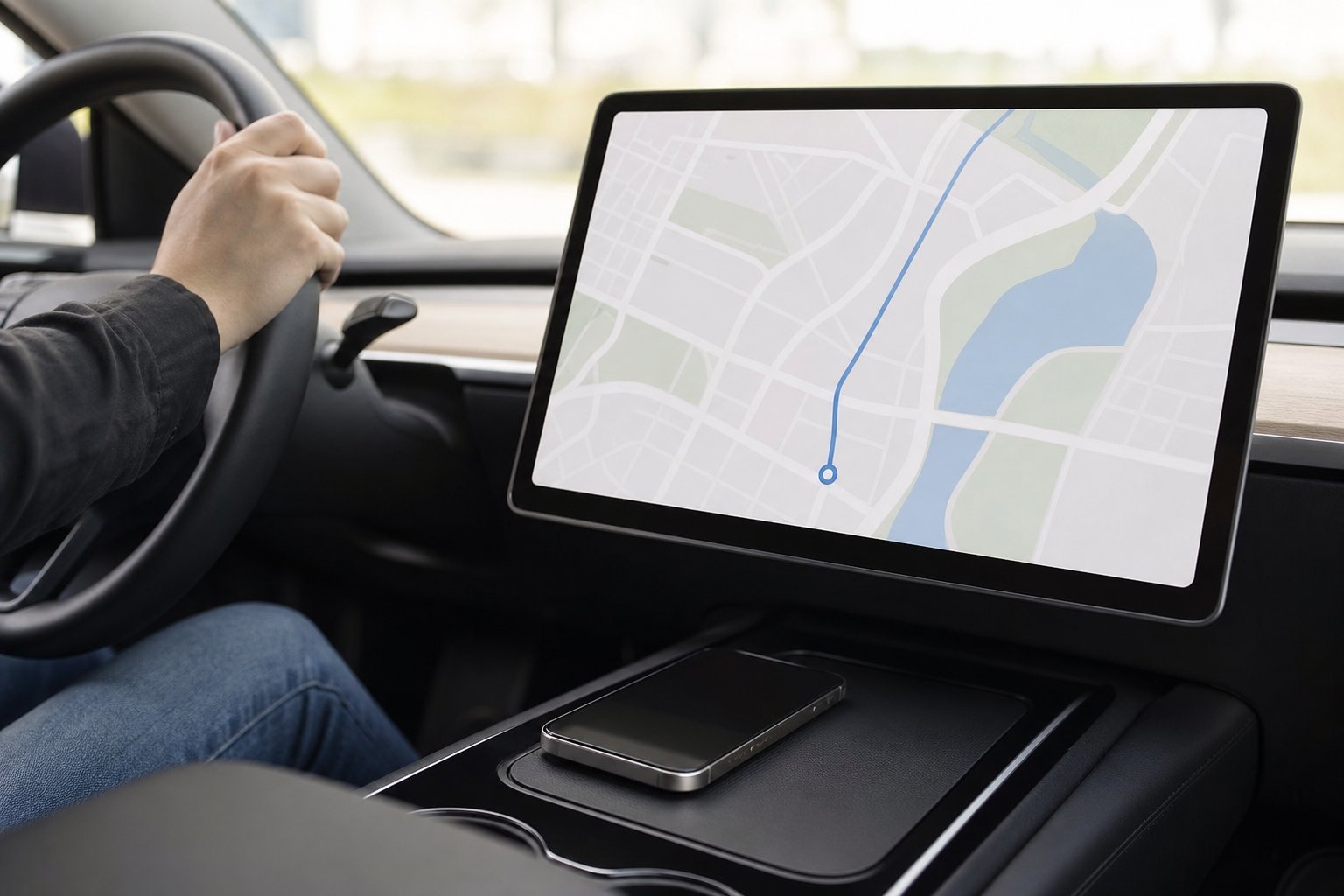
Wireless CarPlay and Android Auto adapters compared
|
Best 2-in-1
AAWireless TWO+
|
Best value
CarlinKit 5.0
|
Android only
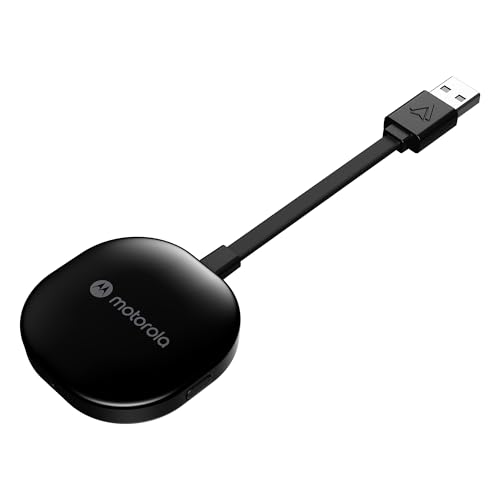
Motorola MA1
|
Smallest
Ottocast Mini Cube
|
|
|---|---|---|---|---|
|
|
|
|
|
|
| Works with | CarPlay + Android Auto | CarPlay + Android Auto | Android Auto | CarPlay + Android Auto |
| Your car needs | Wired CarPlay or AA | Wired CarPlay or AA | Wired Android Auto | Wired CarPlay or AA |
| Phone switching | Button + app | Auto-connect | Single phone | Remembers two |
| Our score | 9.1 /10 | 8.8 /10 | 8.7 /10 | 8.6 /10 |
| Price | – | – | – | – |
| View | View | View | View |
Screens and stereos that add CarPlay and Android Auto
|
Best in-dash
Pioneer DMH-W2770NEX
|
Sharpest screen
JVC KW-M795BW
|
No install
Carpuride W903
|
|
|---|---|---|---|
|
|
|
|
|
| Type | In-dash stereo | In-dash stereo | Portable dash screen |
| Wireless CarPlay / AA | Yes | Yes | Yes |
| Install | Replace radio | Replace radio | Dash mount, 12V |
| Sound through | Your speakers directly | Your speakers directly | Bluetooth, AUX or FM |
| Our score | 9.0 /10 | 8.7 /10 | 8.4 /10 |
| Price | – | – | – |
| View | View | View |
How we chose the best ways to add CarPlay and Android Auto
We did not lab-test these products. We compared the makers’ published specifications and compatibility notes with owner feedback, and favored established brands sold on Amazon.com.
-
Connection reliability
We favored adapters with 5 GHz Wi-Fi and a record of firmware updates, because a dropped connection is the most common complaint.
-
Compatibility
We checked which phones and car systems each product supports and flag the limits clearly.
-
Ease of setup
Plug-in adapters and portable screens should work in minutes; stereos should fit standard dash openings.
-
Sound quality
In-dash stereos send audio straight to your speakers, so we note when a product relies on FM or Bluetooth instead.
The best ways to add CarPlay and Android Auto: detailed reviews
Not sure which route fits your car? Check your owner’s manual or the car’s settings menu for “Apple CarPlay” or “Android Auto”. If you see it, you only need an adapter. If not, read on for screens and stereos, or see our full best car stereos guide. Our car audio guide explains how the stereo fits into a full system.
Best wireless CarPlay and Android Auto adapters
The best adapter for mixed-phone households
AAWireless started as a wireless Android Auto adapter, and the TWO+ adds Apple CarPlay too. It plugs into a car or stereo that supports wired CarPlay or Android Auto and makes the connection wireless. A button on the adapter makes pairing and switching phones easy, it can remember an unlimited number of phones, and a free companion app handles updates, troubleshooting and settings.
It needs an iPhone X or newer, or an Android phone running Android 11 or later. AAWireless says it is made in the EU and backs it with a two-year warranty. For a family car shared by iPhone and Android users, it is the one to get.
- Works with both CarPlay and Android Auto
- Easy switching between phones
- App with firmware updates
- Two-year warranty
- Pricier than basic adapters
- Only works with cars that already have wired support
A no-fuss adapter at a fair price
CarlinKit’s 5.0 adapter converts factory wired CarPlay or Android Auto to wireless, with a dedicated 5 GHz Wi-Fi link that CarlinKit says reduces audio lag and interference. It is plug-and-play: there is no app to install, and after the first pairing it connects automatically when you start the car.
It is a great value pick if you just want the cable gone. As with every adapter, it only works in cars or stereos that already support wired CarPlay or Android Auto.
- Supports both CarPlay and Android Auto
- 5 GHz Wi-Fi connection
- No app needed
- Fewer settings than AAWireless
- Requires existing wired support
Google-licensed wireless Android Auto
Motorola’s MA1 uses Google-licensed bridge technology to make factory wired Android Auto wireless, which gives some buyers extra peace of mind about compatibility. It connects over 5 GHz Wi-Fi and plugs into a USB-A port.
Setup takes a minute: hold the button for about 35 seconds until the light changes, then pair your phone. It doesn’t support Apple CarPlay, so it is only for Android households.
- Google-licensed technology
- 5 GHz Wi-Fi
- Simple one-button setup
- Android Auto only
- USB-A plug may need an adapter in newer cars
So small you forget it’s there
Ottocast’s Mini Cube 3.0 is about the size of a thumbnail, roughly half the size of its predecessor, so it disappears into a USB port without sticking out. It supports both wireless CarPlay and Android Auto, uses a dual-band 2.4 GHz and 5 GHz chipset, and remembers two phones, which is handy for a work and personal phone.
Setup takes seconds, and after that it connects on its own when you start the car.
- Tiny design
- Works with CarPlay and Android Auto
- Remembers two phones
- Less established firmware support than AAWireless
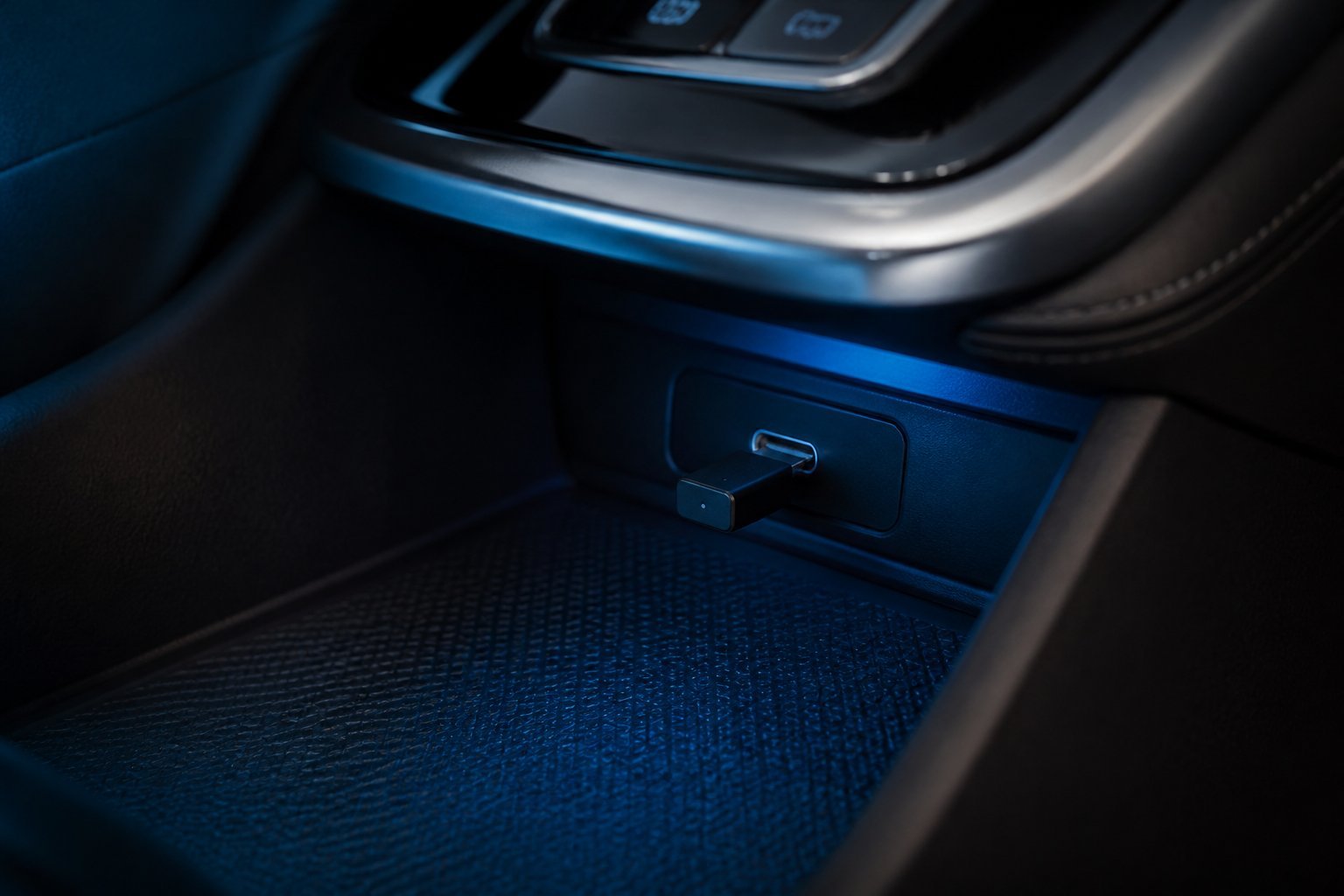
Best screens and stereos to add CarPlay and Android Auto
The best in-dash upgrade for cars without CarPlay
If your car has a double-DIN stereo slot and no smartphone support, replacing the radio is the best long-term way to add CarPlay and Android Auto. Pioneer’s DMH-W2770NEX has a 6.8-inch capacitive touchscreen with wireless Apple CarPlay and Android Auto, so your maps, messages and music appear automatically when you get in.
It also has Bluetooth for calls and streaming, and Amazon Alexa through Pioneer’s Vozsis app. Because it replaces the radio, sound goes straight to your speakers with no FM or Bluetooth compromise. You will need a dash kit and wiring harness for your car.
- Wireless CarPlay and Android Auto
- Capacitive touchscreen
- Sound goes directly to your speakers
- Needs installation and fitting parts
- Double-DIN dashes only
A sharper screen for maps and cameras
JVC’s KW-M795BW gives you wireless CarPlay and Android Auto on a sharp 1280 x 720 capacitive touchscreen with a wide viewing angle, which makes maps easier to read at a glance. It has inputs for front and rear cameras, an HDMI input, and a 2.1-amp USB port for fast charging.
Its short-chassis double-DIN design fits a wide range of dash openings, and it is SiriusXM ready.
- HD 1280 x 720 screen
- Front and rear camera inputs
- Short chassis for easy fitting
- Pricier than the Pioneer
CarPlay in minutes, no tools needed
If you don’t want to touch your dashboard, or you drive a car where the stereo can’t be replaced, a portable screen is the quickest way to add CarPlay and Android Auto. The Carpuride W903 mounts on the dash, powers from the 12V socket, and connects to your phone wirelessly. It also includes front and rear dash cameras with loop recording.
Sound reaches your speakers through Bluetooth, an AUX cable or the built-in FM transmitter, and there is a built-in speaker too. FM sound is not as clean as an in-dash stereo, so use AUX if your car has it. For Android Auto, your phone needs Android 11 or later and 5 GHz Wi-Fi.
- No installation needed
- Front and rear dash cams included
- Moves between cars
- Sound via FM is lower quality
- Cables on the dash
How to choose a way to add CarPlay and Android Auto
Check the settings menu or manual for Apple CarPlay or Android Auto. That decides whether you need an adapter or a new screen.
Some adapters are Android-only, and most need recent phones (iPhone X or newer, Android 11 or newer).
In-dash stereos send audio straight to your speakers. Portable screens use Bluetooth, AUX or FM.
Adapters and portable screens need no tools. A new stereo needs a dash kit, harness and often a steering-wheel control adapter.
Wired, wireless, portable or in-dash: which should you choose?
If your car has wired CarPlay or Android Auto, a wireless adapter is the best value: it costs far less than a new stereo and keeps the factory look. Wireless does use more phone battery, so pair it with a wireless charging pad on longer drives. If your car has no smartphone support, the choice is between a portable screen and an in-dash stereo. A portable screen takes minutes to set up and moves between cars; an in-dash stereo looks factory-fitted, sounds better and usually adds better sound controls.
Apple keeps an official list of cars that support CarPlay on its website. Once your phone is connected, the next upgrade most drivers notice is better speakers: see our best car speakers guide.
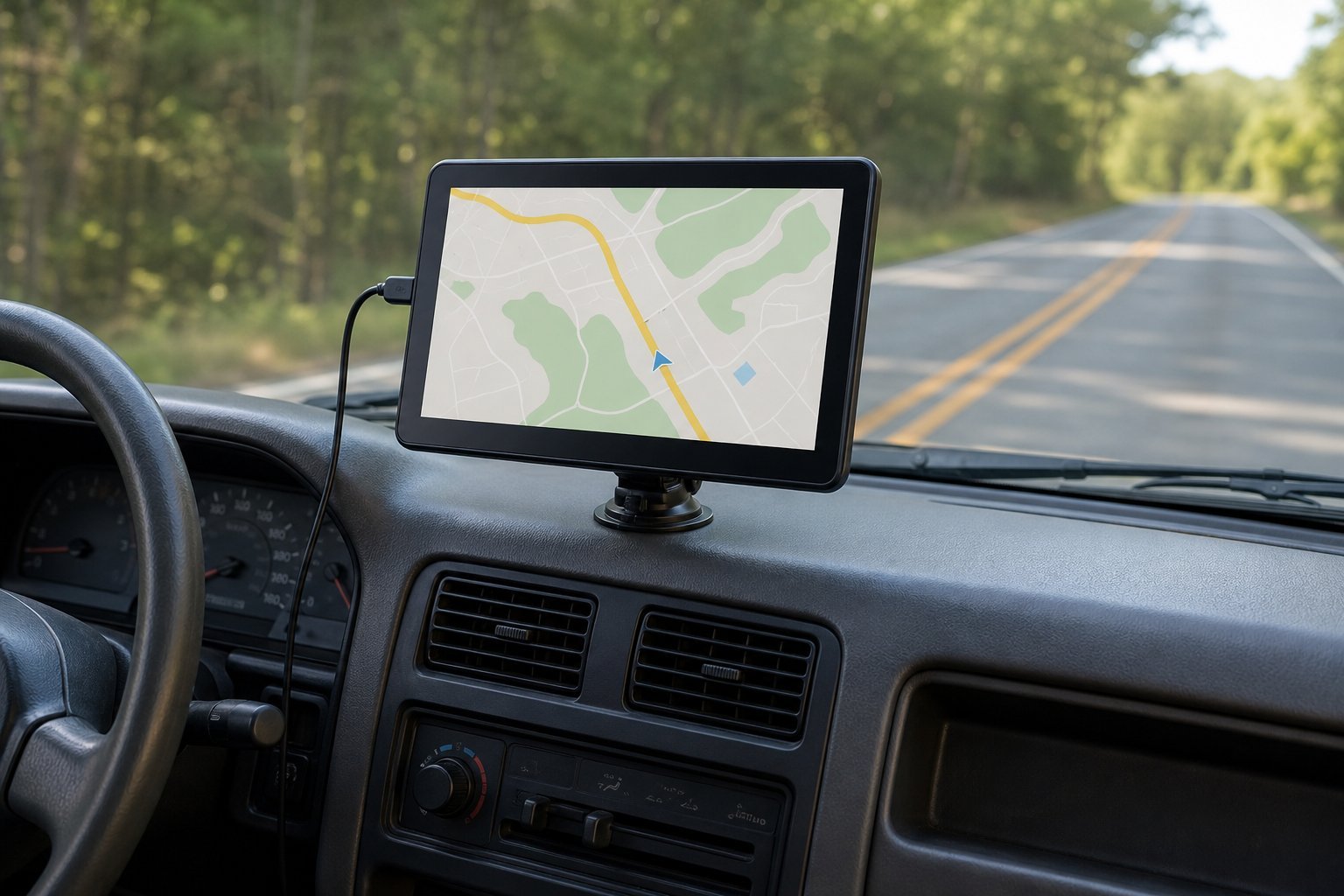
How to set up a wireless CarPlay or Android Auto adapter
-
Check wired support works
Plug your phone into the car’s USB port with a cable and confirm CarPlay or Android Auto starts. If it doesn’t, an adapter won’t help.
-
Update your phone
Install the latest iOS or Android updates. Many adapters need recent versions.
-
Plug in the adapter
Use the same USB port you used for wired CarPlay. Some cars have several ports but only one supports phone mirroring.
-
Pair over Bluetooth
Follow the adapter’s instructions to pair. Your phone then switches to Wi-Fi for the wireless connection.
-
Test and update firmware
Start the car a few times to check it reconnects automatically, and install any firmware updates from the maker’s app or website.
CarPlay and Android Auto FAQ
How can I add CarPlay and Android Auto to an older car?
You can add CarPlay and Android Auto with a portable dash screen like the Carpuride W903 or by replacing the radio with an in-dash stereo like the Pioneer DMH-W2770NEX. Wireless adapters only work in cars that already have wired support.
Do wireless CarPlay adapters affect sound quality?
Audio quality is usually very close to wired. Some adapters add a slight delay when you skip tracks or use Siri, but music playback is generally unaffected.
Will a wireless adapter drain my phone battery?
Wireless CarPlay and Android Auto use more battery than a cable. A wireless charging pad or a short charging cable solves it on long drives.
Can I use one adapter for an iPhone and an Android phone?
Yes, with a 2-in-1 adapter such as the AAWireless TWO+, CarlinKit 5.0 or Ottocast Mini Cube 3.0.
Is a portable CarPlay screen as good as an in-dash stereo?
It is far easier to fit and moves between cars, but sound through FM or Bluetooth is not as clean as an in-dash stereo wired to your speakers.
The bottom line
If your car already has wired CarPlay or Android Auto, a wireless adapter is the cheapest, easiest upgrade: the AAWireless TWO+ for mixed households, the CarlinKit 5.0 for value, or the Motorola MA1 for Android only. If your car has neither, the Pioneer DMH-W2770NEX is the best way to add CarPlay and Android Auto in the dash, and the Carpuride W903 is the quick no-tools option.